
Phê Vé
April 13, 2026 • 2 min read
Discover the common issue of capturing blurry text photos on your iPhone and learn effective solutions for travelers.
The Blurry Text Photo Problem on iPhone
Today, I want to share a challenge that many iPhone users may face, particularly when trying to photograph menus or text. As someone who has used an iPhone for my travel blog for years, I've often struggled to clearly capture written details. Specifically, when photographing text, it often ends up blurry, diminishing the quality of the content I aim to record.
iPhone Camera Quality
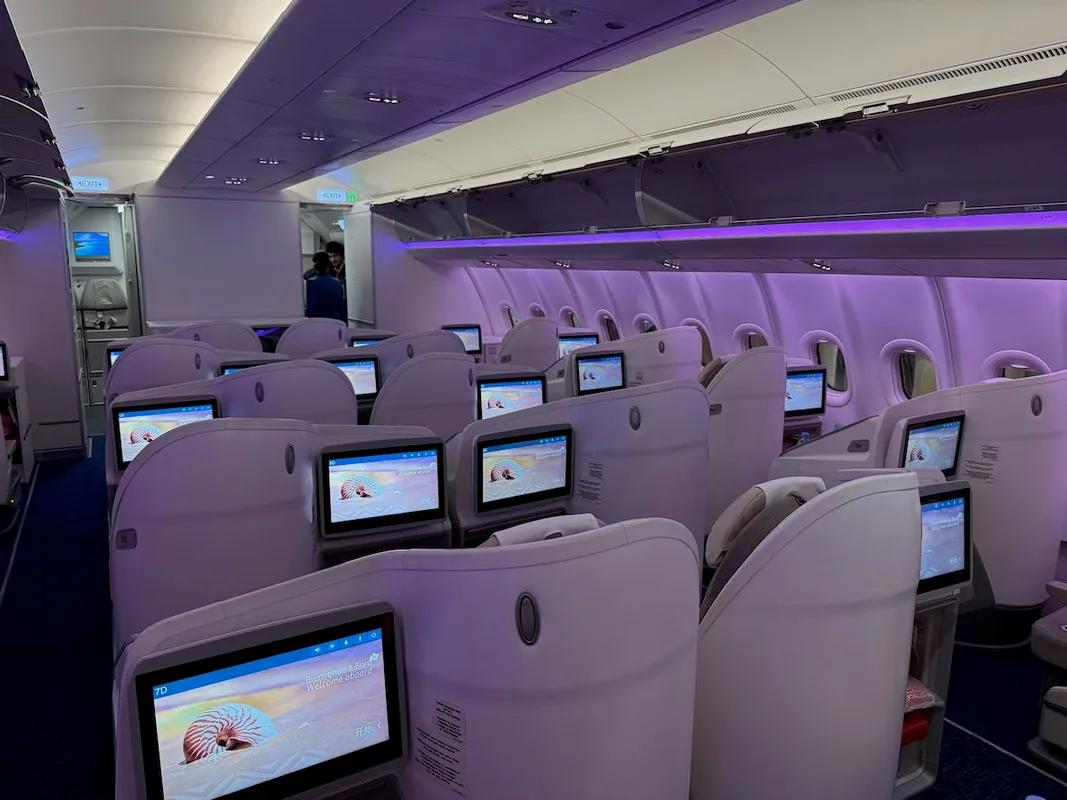
Current iPhone models like the iPhone 17 Pro Max and iPhone 16 Pro Max boast impressive camera quality, but that doesn't mean everything is perfect. A notable limitation arises when trying to photograph text, such as menus on airplanes or in hotels, where the writing becomes difficult to read. This could be due to the camera being overly intelligent, struggling to decide on the right focus point when capturing a page of text.
Challenges and Solutions
I’ve tried various methods, like taking photos from a distance and then cropping them, but the quality rarely improves significantly. Many suggest using a dedicated scanner or a better camera, but that isn't always practical in real life. When traveling, lugging around multiple devices isn’t the best option. Moreover, many hotels and airlines now post their menus online, which is incredibly convenient. I can simply take a screenshot without worrying about capturing an actual photo.
✈️ Tìm chuyến bay giá tốt
Đặt vé ngay với giá ưu đãi từ các hãng hàng không
Helpful Tips for Vietnamese Travelers
If you're looking to take clearer text photos with your iPhone, here are some tips to consider:
- Shoot from a distance: Try standing a bit farther away and focusing before snapping the picture.
- Utilize natural light: Ensuring adequate lighting will help make the text in your photos clearer.
- Consider using document scanning apps: There are many free scanning apps available on the App Store that can help capture text and enhance sharpness.
If you're a frequent traveler needing to record information from menus or other texts, it might be worth considering additional camera gear or adopting more advanced tech solutions.
Conclusion
In summary, while the iPhone is a very useful tool for photography while traveling, there are some challenges to keep in mind when capturing text. I hope the tips above can help improve your experience. If you have any other methods that work for you, please share them for everyone to benefit from.
Article reference and editing source: One Mile at a Time
Phê Vé
Phê Vé is a leading online flight booking platform in Vietnam, providing accurate and up-to-date travel information. We are committed to delivering wonderful travel experiences with the best prices on the market.